Trello Kanban Tracking: Boards, Fields, and Automation
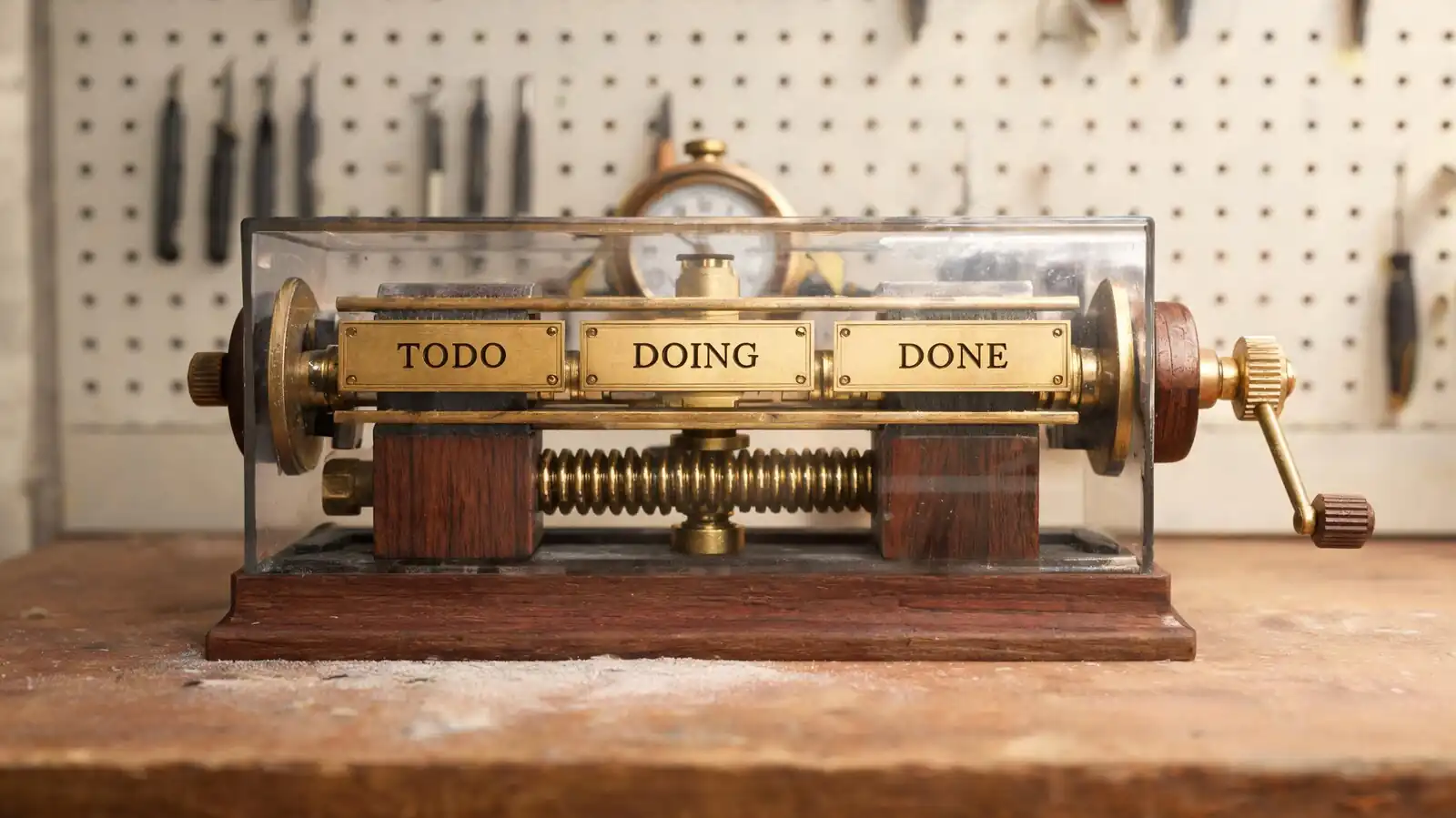
How Kanban Works in Trello
Lists are workflow stages from left (backlog) to right (done). Cards are work items moving through stages. The board itself is the Kanban surface — no extra view needed.
- Stages — typical pattern: Backlog → Ready → Doing → Review → Done. Five to seven stages is the workable range.
- Cards as work items — drag-and-drop between lists; reordering within a list reflects priority.
- When Kanban beats list or timeline views — for continuous flow of similarly-sized work where deadlines matter less than throughput.
The most common Trello Kanban mistake is using lists for work types instead of stages. A board with lists named "Bugs", "Features", "Chores" is not Kanban; it is a backlog index. Lists are stages; types are labels.
Lists are stages, labels are types. Get that right and the board reads itself.
Fields, Labels, and Filters
Labels handle priority, owner, customer, or type — anything cross-stage. Custom fields carry data the team will filter or report on (Estimate, Customer, SLA).
- Priority, owner, status — labels for low-cardinality state, custom fields for everything else.
- Filtering — Trello\'s built-in filters work on labels, members, due dates, and custom fields.
- Custom field limits — verify the per-plan cap on the live pricing page; Standard plan and above include custom fields natively.
The trap to avoid is fifteen labels in eight colours. Six labels in distinguishable colours is the upper bound for a board that reads visually.
Six labels max. More than that and the board stops reading at a glance.
Automation for Kanban Flow
Butler rules keep the flow tidy without an admin: auto-move on label, post on stage change, escalate when overdue.
- Move cards when status changes — when a "Done" label is added, move to Done list and archive after 7 days.
- Due-date reminders — comment with the owner mentioned three days before due.
- Handoffs — auto-assign reviewer when moving to Review.
- Rules that prevent board clutter — archive Done after N days; mark stale cards "Inactive" if no activity for 30 days.
The rule that pays the most operational dividend on a Kanban board is the auto-archive of Done. Without it, the Done list grows until the board is unreadable.
Auto-archive Done. It is the single highest-leverage Butler rule on a Kanban board.
Dashboards and Bottleneck Tracking
The Premium Dashboard surfaces bottlenecks with cards-per-list, oldest-card-per-list, and overdue counts. Power-Ups draw cumulative flow and lead-time charts.
- Cards per stage or owner — first-look bottleneck signal.
- Aging work and blocked tasks — oldest card in each list; "Blocked" label count.
- Workload signals beyond the board — cards-per-member as capacity signal.
- Lead time and CFD — not native; Power-Ups (Corrello, Blue Cat Reports) deliver.
The honest test for a bottleneck: if the team can name the list where work piles up, the dashboard is doing the job. If the team can name the list and a structural reason for the pile, the dashboard has earned its keep.
Cards-per-list and oldest-card-per-list cover most bottleneck questions. Lead time arrives via Power-Up.
Kanban Limits and Alternatives
Trello's Kanban ceiling is reporting depth, service-class differentiation, and very-large-board performance. Dedicated Kanban tools (Kanbanize, SwiftKanban) win on metrics depth; Jira/Linear win on engineering integration.
- Reporting gaps for complex teams — no native lead-time histogram, CFD, or service-class throughput.
- When Jira or Linear is better — engineering teams with code-linked Kanban.
- When Trello\'s simplicity wins — cross-functional Kanban (marketing, ops, HR, CS) where adoption velocity matters more than metrics depth.
The decision pivot: if the team identifies as "we use Kanban", Trello is enough. If the team identifies as "we are a Kanban shop with Little\'s Law and SLAs to defend", evaluate a dedicated tool.
Trello's Kanban wins on adoption. Dedicated tools win on metrics depth. Pick by the team's identity.
Frequently asked questions
Is Trello good for Kanban?
Yes — Kanban is Trello's native shape. Boards, lists, and cards are exactly the surface Kanban needs. The native model fits most cross-functional teams; dedicated tools earn their place only when metrics depth (lead time, CFD, service class) is core.
How many columns should a Trello Kanban board have?
Five to seven workflow stages is the workable range. Fewer than five often skips meaningful state; more than seven starts to lose readability. The goal is a board readable in five seconds.
Can I set WIP limits in Trello?
Convention-based, not native. The pattern that works: state the WIP limit in the list name ("Doing (max 3)") and pair it with a Butler rule that comments when the limit is exceeded. Some Power-Ups (Card Limits) enforce it visually.
Does Trello have a cumulative flow diagram?
Not natively. Power-Ups such as Corrello, Blue Cat Reports, and Screenful add CFD, lead time, and throughput charts. Free Trello + a paid Power-Up tier covers most Kanban-shop reporting.